Create Play Store Feature Graphic 1024×500 – Free Feature Graphic Generator
Create a Play Store feature graphic (1024×500) using a free feature graphic generator. Perfect for Android developers, startups, and Google Play listings.
Create Play Store Feature Graphic 1024×500 for Higher App Conversions
If you want your Android app to stand out on Google Play, your visuals matter as much as your app itself. One of the most important assets is the Play Store feature graphic (1024×500).
A high-quality feature graphic appears:
- At the top of your Play Store listing
- In promotional placements
- During app discovery campaigns
In this guide, you’ll learn how to create a Play Store feature graphic 1024×500 using a free feature graphic generator—no design skills required.
Why the Play Store Feature Graphic Is So Important
Your feature graphic is often the first impression users get of your app.
A strong Play Store feature graphic:
- Increases app page conversion rate
- Builds trust instantly
- Improves brand recognition
- Makes your app look professional and credible
For users in Tier-1 countries like the United States, Canada, the UK, and Australia, design quality directly influences install decisions.
What Is a Play Store Feature Graphic (1024×500)?
A Play Store feature graphic is a promotional banner displayed on your app’s Play Store page.
Official Google Play requirements:
- Size: 1024 × 500 pixels
- Format: PNG or JPG
- No transparency
- No call-to-action text like “Download Now”
This graphic is not optional — it’s essential for visibility and promotion.
What Is a Feature Graphic Generator?
A feature graphic generator is an online tool that helps you design Play Store feature graphics without using complex design software like Photoshop or Illustrator.
A good generator allows you to:
- Create correct 1024×500 dimensions
- Apply professional layouts
- Use readable typography
- Export Play Store–ready graphics instantly
Free Play Store Feature Graphic Generator (Recommended)
To simplify the process, we built a free tool:
👉 Play Store Feature Graphic Generator
Why developers love this tool:
- Designed specifically for Google Play Store
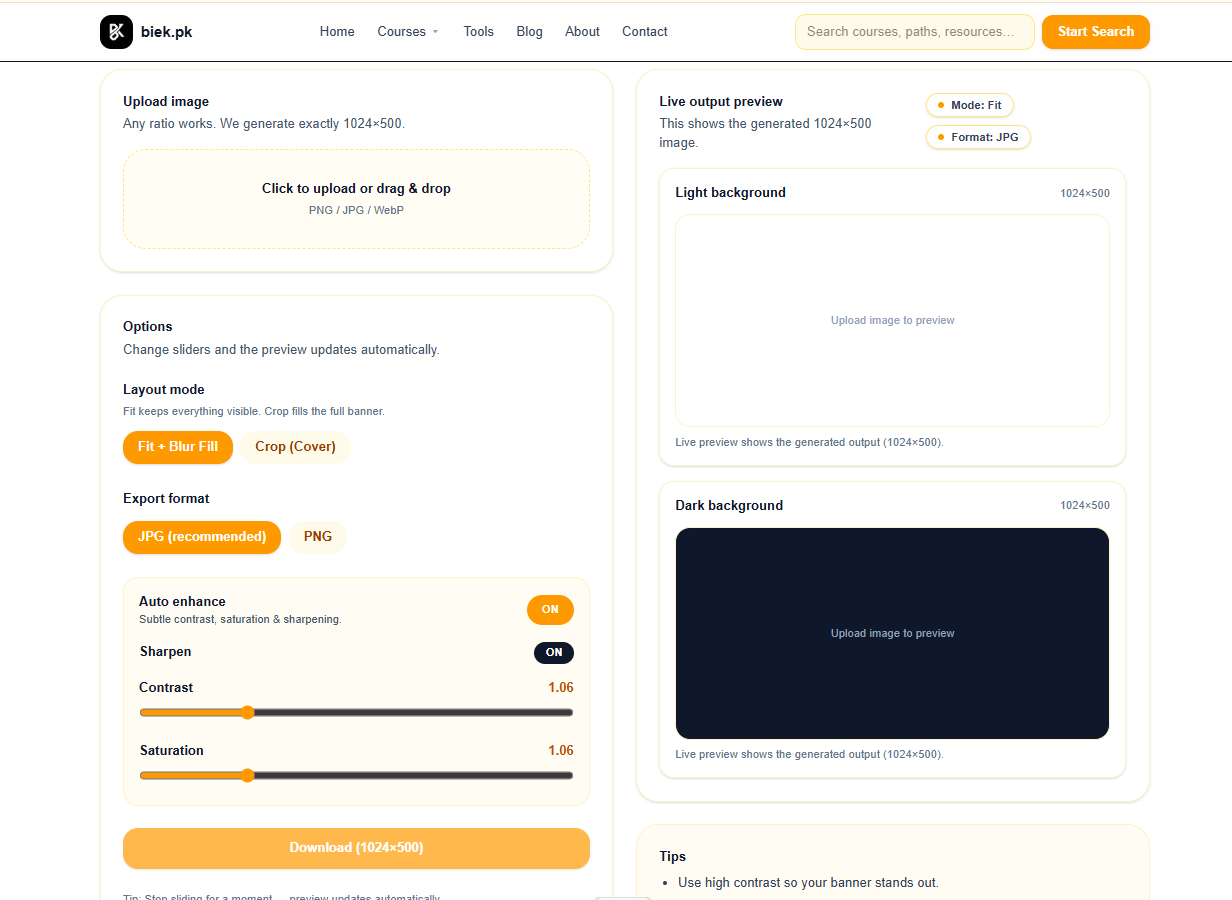
- Automatically uses 1024×500 size
- No design experience needed
- Fast, browser-based, and free
- Perfect for startups and indie developers
How to Create a Play Store Feature Graphic 1024×500 (Step-by-Step)
Step 1: Open the Feature Graphic Generator
Visit the tool here:
👉 Play Store Feature Graphic Generator
Step 2: Enter App Details
Add:
- App name
- Short tagline
- Brand colors
- Visual style
Step 3: Customize Your Design
Adjust:
- Text alignment
- Color contrast
- Icon or illustration placement
The generator ensures your design remains Play Store compliant.
Step 4: Download the Feature Graphic
Download your 1024×500 feature graphic and upload it directly to the Google Play Console.
Example of a Play Store Feature Graphic (1024×500)
Below is an example of a professionally designed Play Store feature graphic:
Clean layout, strong contrast, and Play Store–ready dimensions.
Feature Graphic Generator vs Manual Design
| Feature | Feature Graphic Generator | Manual Design |
|---|---|---|
| Speed | Instant | Hours or days |
| Cost | Free / Low | Expensive |
| Skill Required | None | Professional designer |
| Google Play Compliance | Automatic | Manual |
| Revisions | Unlimited | Limited |
For most developers, a feature graphic generator is the smarter choice.
Best Practices for Play Store Feature Graphics (2026)
To maximize installs in Tier-1 markets:
- Keep text minimal and readable
- Focus on benefits, not features
- Use high-contrast colors
- Avoid clutter
- Match your app’s branding
- Design for mobile-first viewing
Modern feature graphic generators apply these rules by default.
Combine Feature Graphic With App Icon for Maximum Impact
Your feature graphic works best when paired with a strong app icon.
We recommend also using:
👉 Android App Icon Generator
Together, these tools help create a high-converting Play Store visual package.
FAQs About Play Store Feature Graphics
Is the 1024×500 size mandatory?
Yes. Google Play strictly requires feature graphics to be 1024×500 pixels.
Can I use a feature graphic generator for commercial apps?
Yes. Most generators allow full commercial usage.
Do feature graphics affect app ranking?
Indirectly, yes. Better visuals improve conversion rate, which impacts overall app performance.
Final Thoughts
If you’re targeting users in Tier-1 countries, visual quality is non-negotiable. A professional Play Store feature graphic 1024×500 can dramatically improve your app’s install rate.
Instead of hiring designers or struggling with design tools, use a fast and reliable solution:
👉 Create Your Play Store Feature Graphic Free
Build trust, boost conversions, and compete globally 🚀