Android Icon Size 512x512 – Complete Guide for Play Store Icons
Learn about the Android icon size 512x512 used for Google Play Store listings and how to generate perfect app icons instantly.
Android Icon Size 512x512: Everything Developers Need to Know
If you're publishing an Android app on Google Play, one of the most important assets is your 512x512 app icon. This icon appears on your Play Store listing and helps users instantly recognize your app.
The Android icon size 512x512 is required for the Play Store and serves as the high-resolution version of your app’s branding.
In this guide, we’ll explain why this icon size matters and how you can generate it instantly using an Android icon generator.
Why the 512x512 Icon Is Important for Google Play
The 512x512 icon is the main image displayed on the Google Play Store when users browse apps.
A well-designed icon helps:
- Increase app install rates
- Improve first impressions
- Strengthen app branding
- Make your app stand out among competitors
Google Play recommends high-quality icons that follow modern Material Design guidelines.
What Is the Android 512x512 Icon Used For?
The 512x512 Android icon is primarily used for:
- Google Play Store app listing
- App promotion banners
- Marketing materials
- Play Store search results
Unlike launcher icons, which appear on user devices, this icon focuses on store visibility and branding.
How to Create an Android 512x512 Icon
You can easily create a Play Store–ready icon in seconds.
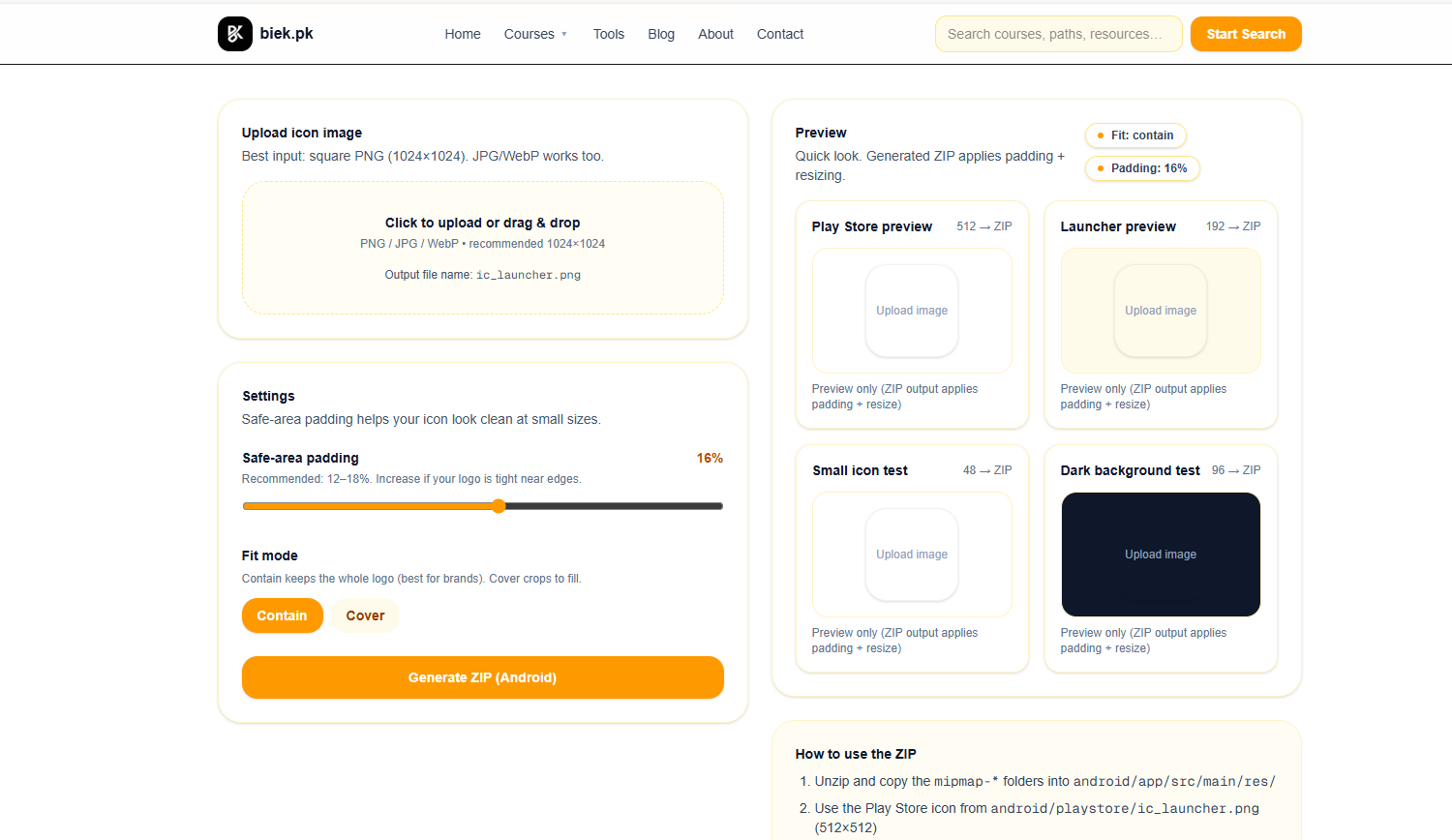
Step 1: Open the Icon Generator
Use the
👉 Android App Icon Generator
Step 2: Upload Your Image
Upload your logo or app graphic that you want to convert into Android icons.
Step 3: Generate All Required Sizes
The generator automatically creates multiple Android icon sizes including:
- 512x512 (Play Store icon)
- 192x192
- 144x144
- 96x96
- 72x72
- 48x48
Step 4: Download the Icon Pack
Download the complete icon pack ready for use in Android Studio and Play Store uploads.
Example of a 512x512 Android App Icon
Below is an example of a Play Store–ready 512x512 Android app icon.
A clean, high-resolution icon optimized for Play Store visibility.
Recommended Android Icon Sizes
Android apps require multiple icon sizes to support different screen densities.
| Icon Size | Usage |
|---|---|
| 512x512 | Google Play Store listing |
| 192x192 | High-density launcher icon |
| 144x144 | xxhdpi launcher icon |
| 96x96 | xhdpi launcher icon |
| 72x72 | hdpi launcher icon |
| 48x48 | mdpi launcher icon |
Using an icon generator tool ensures you get all these sizes instantly.
Tips for Designing Better Android Icons
Follow these best practices when creating app icons:
- Keep the design simple and recognizable
- Use strong contrast and bold shapes
- Avoid small text inside the icon
- Follow Android Material Design guidelines
- Test the icon on different screen sizes
These principles help your icon remain clear even on small mobile screens.
Create a Complete Play Store Branding Package
Besides your app icon, your Play Store listing also needs a feature graphic.
You can easily generate it using the
👉 Google Play Feature Graphic Generator
Together, these tools help developers create a professional Play Store presence.
FAQs About Android Icon Size 512x512
Is 512x512 required for Google Play?
Yes. Google Play requires a 512x512 PNG icon for every app listing.
Can I upload a larger icon?
No. Google Play specifically requires the 512x512 resolution for the store icon.
Do I need multiple icon sizes for Android apps?
Yes. Android apps require different icon sizes for various screen densities.
Final Thoughts
The Android icon size 512x512 is essential for publishing apps on Google Play. A clean and professional icon improves visibility, builds trust, and increases installs.
Instead of manually creating multiple sizes, you can instantly generate all required Android icons using the
and prepare your app for a successful Play Store launch.